
Universal Client
The Universal Client mode lets you connect to any JSON-RPC 2.0 service and interactively call its methods. It’s perfect for testing and debugging services without writing client code.
Overview

The Universal Client provides:
- Endpoint Management - Add and manage multiple JSON-RPC service endpoints
- Interface Discovery - Automatically discovers interfaces and methods from your service’s IDL
- Interactive Method Execution - Call methods with parameters and see responses in real-time
- Request/Response Visualization - View formatted JSON for both requests and responses
Getting Started
1. Start the Web UI
./target/pulserpc -ui -ui-port 8080
Open your browser to http://localhost:8080 and click the Client button.
2. Add an Endpoint
Click the Add Endpoint button to connect to your JSON-RPC service.
Enter your service’s URL in the dialog:
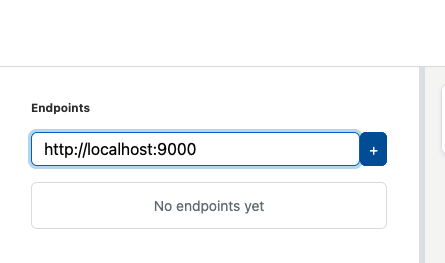
The client will connect to your service and discover its interfaces via IDL introspection.
3. Browse Interfaces
Once connected, you’ll see the interface browser on the left sidebar:
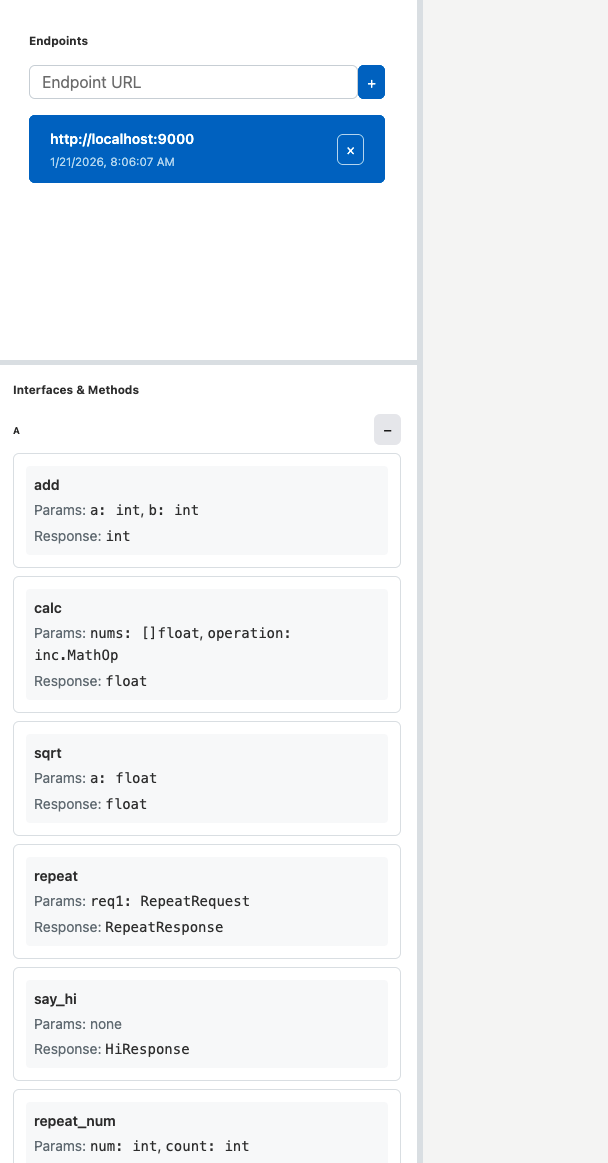
Expand the interface tree to see available methods:

4. Execute Methods
Click on a method to see its parameters. Fill in the parameter form and click Execute:

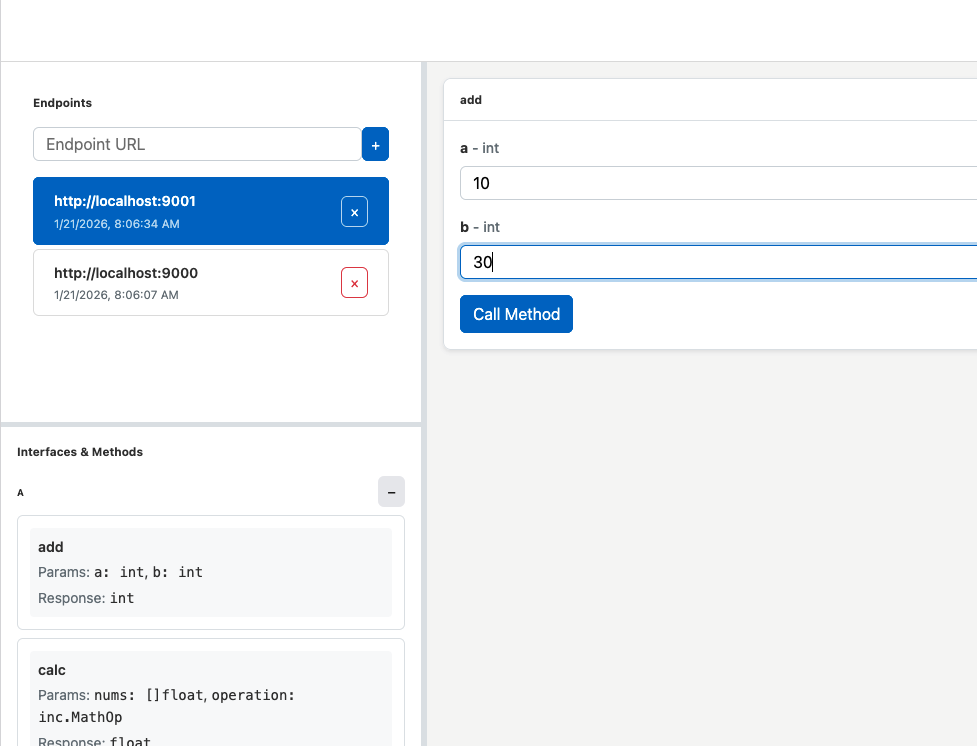
The client will display the response:
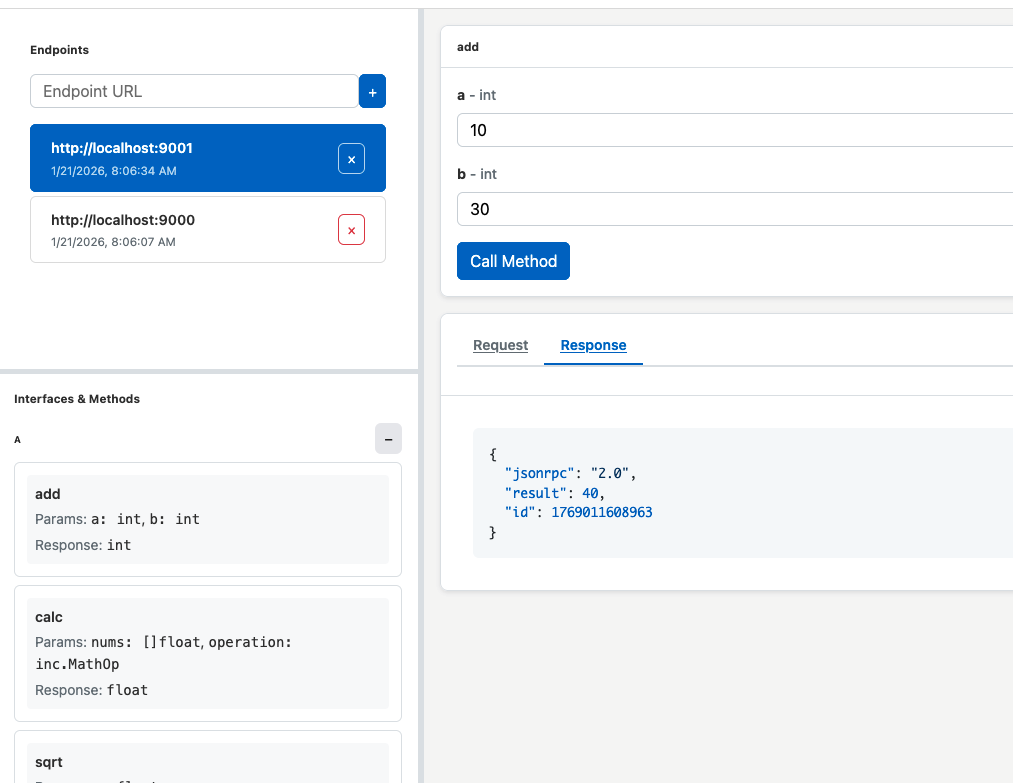
Features
Endpoint Management
- Add multiple endpoints and switch between them
- Remove endpoints you no longer need
- Endpoints persist across sessions
Interface Discovery
The client automatically discovers:
- All interfaces defined in your IDL
- All methods within each interface
- Parameter types and return types
- Required vs optional fields
Request/Response Visualization
- Split-pane View - See both request and response side-by-side
- Formatted JSON - Syntax-highlighted JSON for easy reading
- Error Display - Clear error messages when calls fail
Persistent Layout
The client remembers your preferences:
- Sidebar width and position
- Splitter positions between panels
- Last selected endpoint and method
Tips
- Test Services Locally - Great for testing services running on
localhost - Debug Production Services - Connect to remote endpoints (if CORS allows)
- Explore New APIs - Quickly understand what methods a service provides
- Validate Changes - Test API changes without writing test clients
Next Steps
- Playground Mode - Learn about the IDL editor and code generation
- IDL Syntax - IDL language reference